QA Without Slowing Down: Automation Tactics for Agencies
You want to deliver flawless work, but every time you tighten your quality assurance (QA) process, your team groans about delays. Sound familiar? For agencies, the tension between speed and quality is real—and it’s costing you more than you think. Missed deadlines, frustrated clients, and burned-out teams are just the surface symptoms. Underneath, manual QA steps, tool sprawl, and unclear accountability create bottlenecks that slow growth and erode profits.
But what if you could have both? Imagine a workflow where QA is built into every step, automated checks catch issues before they snowball, and your team moves faster—without sacrificing quality. In this guide, you’ll discover proven automation tactics that let agencies scale QA, reclaim hours, and deliver better results. These aren’t theoretical frameworks; they’re field-tested strategies from agencies that have eliminated chaos and built systems that run without constant firefighting.
Let’s break the “slow or sloppy” myth and show you how to automate QA for speed and excellence.
Table of Contents
- Why Traditional QA Slows Agencies Down
- The Automation Mindset: Rethinking QA for Speed
- Step-by-Step: Building Automated QA Into Your Workflow
- Common Pitfalls (and How to Avoid Them)
- The Best Tools for Agency QA Automation
- Real Results: Agencies Who Automated QA
- Frequently Asked Questions
- Conclusion: Your Next Steps to Faster, Better QA
Why Traditional QA Slows Agencies Down
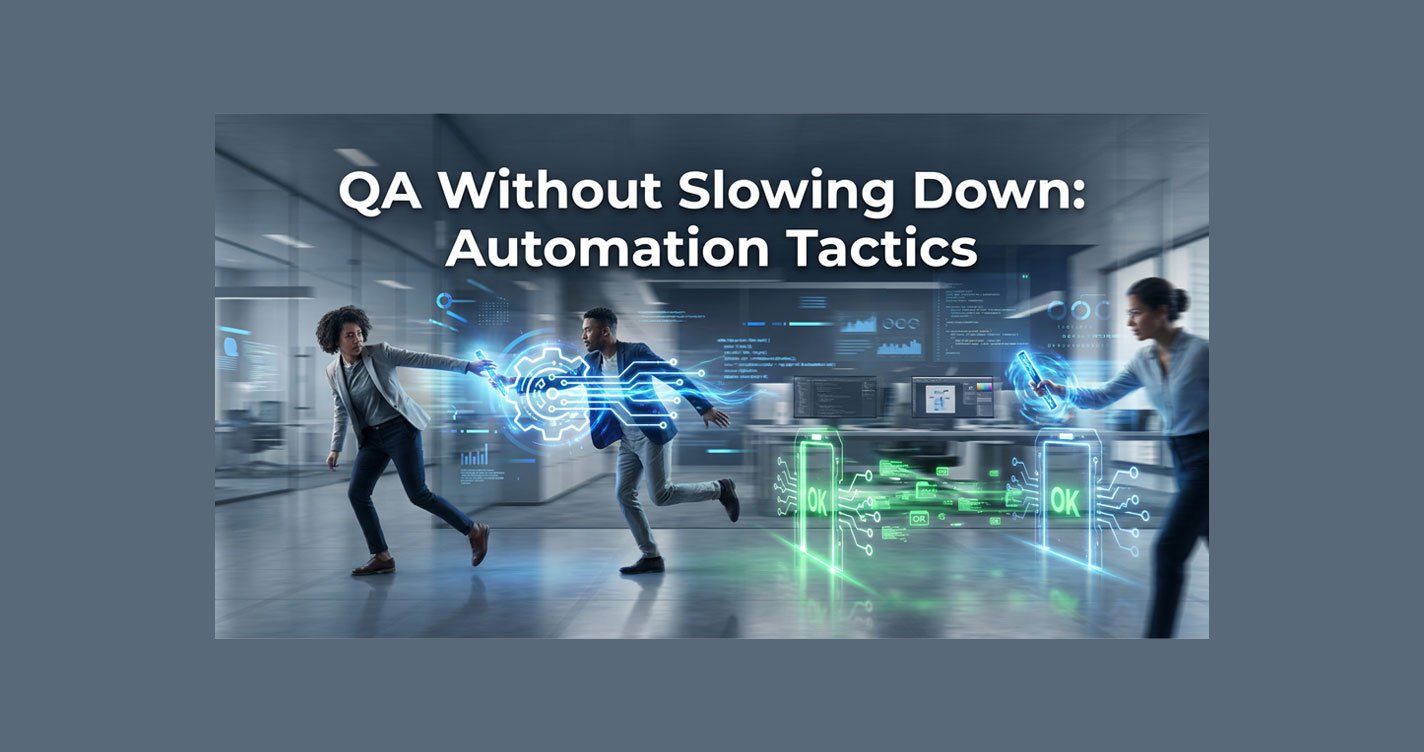
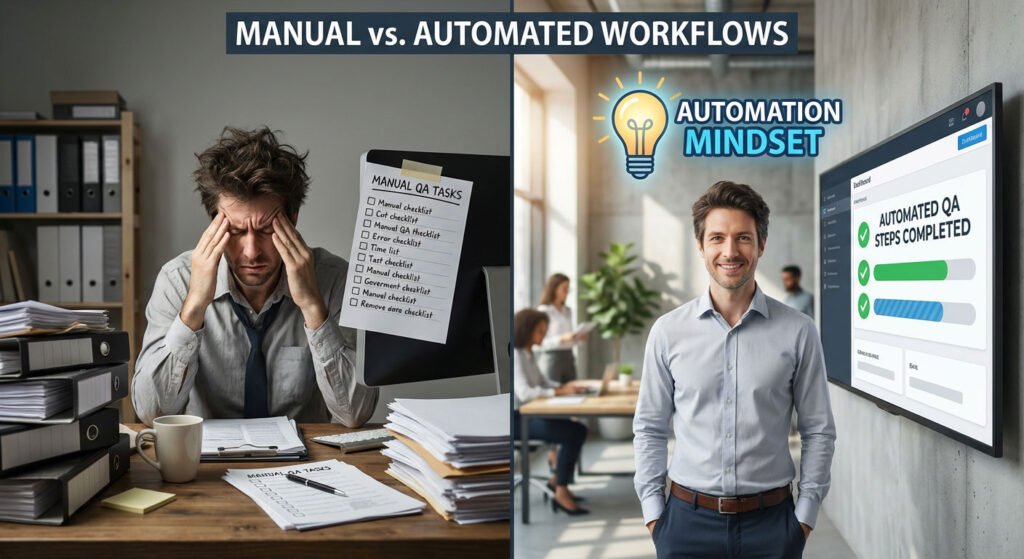
Traditional QA in agencies often means a checklist at the end of a project, a round of frantic bug-finding, and a scramble to fix issues before launch. Each step adds friction. When QA is manual, it’s slow, inconsistent, and dependent on a few “gatekeepers.” Handoffs between project managers, designers, and developers become relay races where the baton is dropped—tasks get lost, and deadlines slip.
Worse, agencies pile on tools to “help”—spreadsheets, Slack, ClickUp, email—but these patchwork solutions create more gaps than they close. The result? Teams spend hours tracking down issues, duplicating work, and fixing preventable mistakes. The real cost isn’t just time; it’s lost revenue, frustrated clients, and a team that’s always in firefighting mode.
- The Hidden Costs of Manual QA: Every hour spent on redundant checks or chasing down missing information is an hour not spent on billable work or strategic growth.
- The Human Toll: Manual QA drains morale, leading to burnout and high turnover.
- Lost Revenue: For a 20-person agency, even a modest 5 hours per week lost to inefficient QA adds up to over 5,000 hours a year.
Manual QA isn’t just slow—it’s expensive. Beyond the numbers, it drains morale and can haunt even the best agencies.

The Automation Mindset: Rethinking QA for Speed
Agencies that win at QA don’t treat it as a final hurdle—they build it into their DNA. The automation mindset means shifting from reactive to proactive. Instead of relying on a final checklist, you design workflows where quality checks happen automatically, at every stage.
From “Catching Errors” to “Preventing Them”
- Consistency: Automated checks run the same way, every time, for every project.
- Speed: No more waiting for a QA “gatekeeper” to review. The system moves as fast as your team does.
- Scalability: As your agency grows, automation scales with you. No need to hire more QA staff for every new client.
Automation isn’t about replacing people; it’s about freeing them from repetitive, error-prone tasks. When QA is part of the process—not an afterthought—your team moves faster, and quality becomes a competitive advantage.
Step-by-Step: Building Automated QA Into Your Workflow
Ready to automate QA? Here’s how to do it—without overwhelming your team or breaking your process.
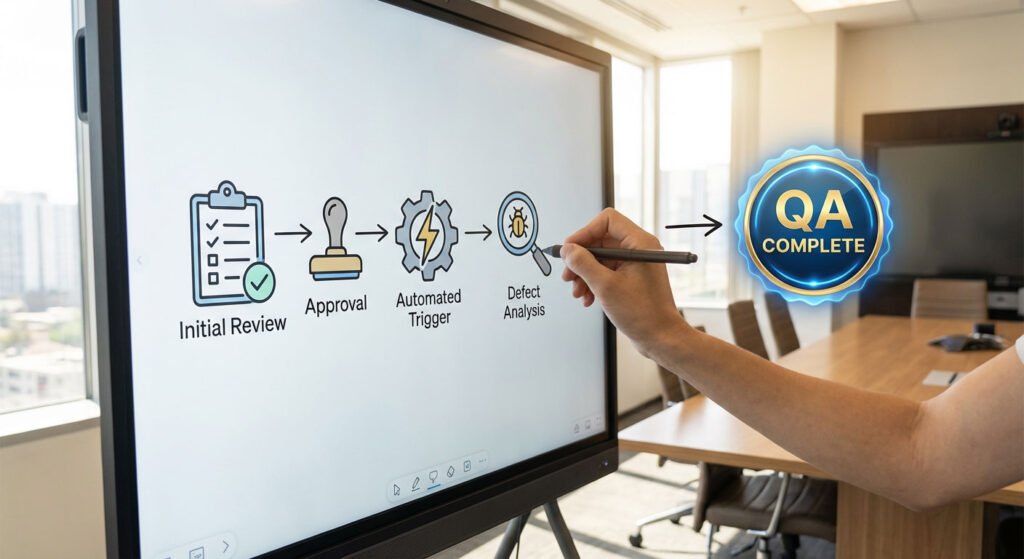
- Map Your QA Process: Document every step in your current QA workflow. Where do tasks get stuck? Which checks are manual? Who owns each step?
- Spot Automation Opportunities: Look for repetitive tasks: status updates, checklist completion, file uploads, approvals. These are prime candidates for automation.
- Choose Your Tools: ClickUp, n8n, GHL, Zapier, Make, Slack, Google Workspace. Prioritize integration, ease of use, and support.
- Implement in Phases: Don’t try to automate everything at once. Start with one high-impact area—like automating client onboarding QA or automating status update reminders. Test, refine, and expand.
- Train and Document: Update your SOPs. Train your team on the new process. Make sure everyone knows how to use the tools and what to do if something breaks.
Example: An agency automated its client onboarding QA by creating a ClickUp template with required fields, automated reminders, and a final approval step. Result: onboarding time dropped from 6 hours to 1 hour, and errors fell by 80%.
Common Pitfalls (and How to Avoid Them)
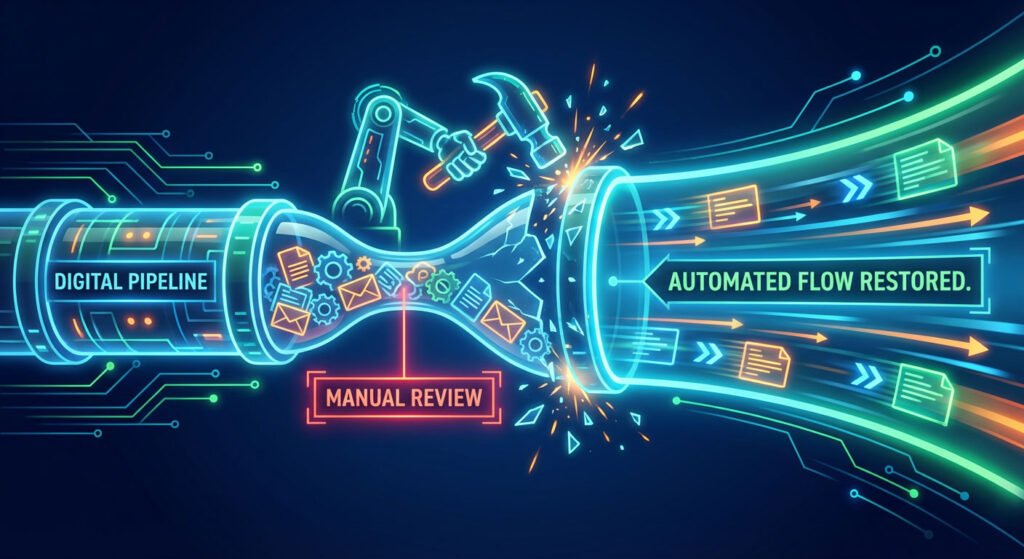
- Over-Automating: Trying to automate every edge case leads to complexity and confusion. Focus on the most common, high-impact tasks first.
- Ignoring Edge Cases: Automated QA can catch most errors, but some issues require a human eye—especially for creative work or client-specific nuances. Build in manual review steps where needed.
- Failing to Update Processes: As your agency evolves, so should your automations. Review and update workflows quarterly to ensure they still fit your needs.
- Poor Communication: If your team doesn’t understand the new process, they’ll find workarounds. Communicate changes clearly and gather feedback.
Automation is powerful, but it’s not magic. The key is balance: automate the 80% that’s predictable, and leave room for human judgment on the rest.
The Best Tools for Agency QA Automation
- ClickUp: The hub for tasks, checklists, and approvals. Integrates with almost everything.
- n8n: Open-source automation powerhouse—connects apps, triggers workflows, and handles complex logic.
- GoHighLevel (GHL): All-in-one CRM and marketing automation, perfect for agencies managing client campaigns.
- Zapier/Make: Easy-to-use connectors for automating notifications, data sync, and more.
- Slack/Teams: Real-time alerts and collaboration.
- Google Workspace: Forms, Sheets, and Docs for data collection and reporting.
When choosing tools, prioritize integration (do they play well with your stack?), ease of use (can your team adopt them quickly?), and support (is help available when you hit a snag?). Start simple, then layer on complexity as your team’s confidence grows.
Real Results: Agencies Who Automated QA
Consider Agency X, a 20-person marketing firm drowning in QA chaos. Every project ended with a week-long bug hunt, missed deadlines, and frustrated clients. By mapping their QA process, they found that 60% of errors were due to missed checklist items and manual handoffs.
They implemented ClickUp templates for QA, automated reminders with n8n, and used Zapier to notify the team of failed checks. Within two months, QA time dropped by 70%, errors fell by 80%, and client satisfaction soared.
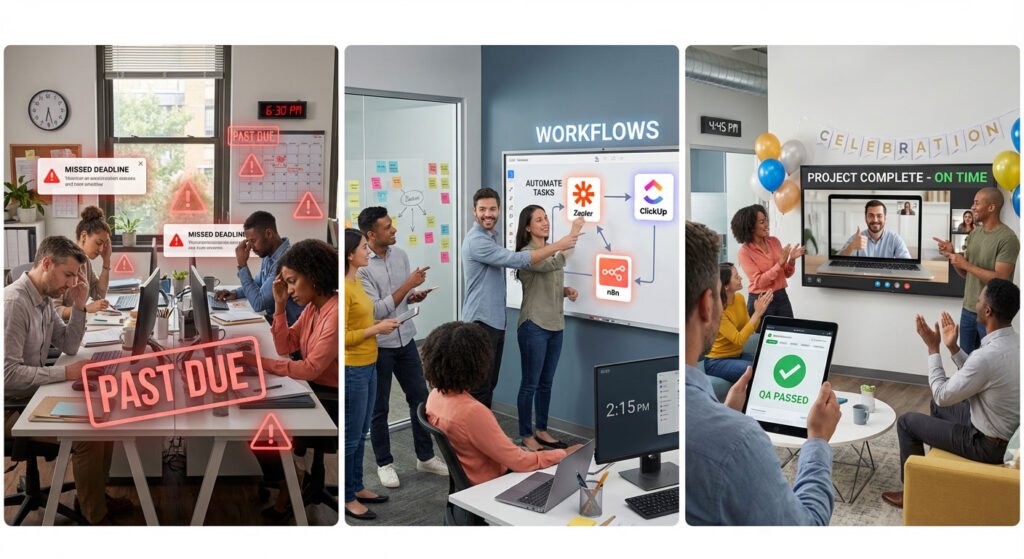
- Before Automation: Projects delayed by last-minute QA. Team spent 10+ hours/week on manual checks. Clients reported frequent errors.
- After Automation: QA steps triggered automatically at each stage. Team focused on creative work, not chasing checklists. Client NPS scores rose from 6.5 to 9.2.
The lesson? Start with one bottleneck, automate it, and measure the results. Then expand. Automation isn’t a one-time project—it’s a continuous improvement loop.
Frequently Asked Questions
Is QA automation expensive to implement?
Not necessarily. Many tools (like ClickUp and n8n) offer free or affordable plans. The real ROI comes from hours saved and errors avoided.
Will automation replace my team?
No. Automation handles repetitive tasks, freeing your team to focus on high-value work. It’s about augmentation, not replacement.
How do I get my team to adopt new tools?
Involve them early, provide training, and start with small wins. Show how automation makes their jobs easier.
What if our processes are unique?
Most automation tools are flexible. Start with templates, then customize for your agency’s needs.
How do we ensure data security?
Choose reputable tools with strong security practices. Limit access based on roles, and review permissions regularly.
What’s the fastest way to see results?
Automate one high-impact QA step—like client onboarding or status updates. Measure the time saved, then expand.
Who can help us implement this?
BLUECREATIVE specializes in agency automation. Book a free assessment to get a custom roadmap.
Conclusion: Your Next Steps to Faster, Better QA
You don’t have to choose between speed and quality. By automating QA, agencies unlock faster delivery, fewer errors, and happier clients—without burning out their teams. The path forward is clear: map your process, automate the bottlenecks, and build a culture where quality is everyone’s job.
- Manual QA slows agencies and hides profit leaks.
- Automation embeds quality into every step, speeding delivery and reducing errors.
- Start small, measure impact, and iterate for continuous improvement.
Ready to reclaim your time and deliver better results? Start with one workflow, automate it, and watch the transformation ripple through your agency. The future belongs to agencies that move fast and deliver excellence—make sure you’re one of them.