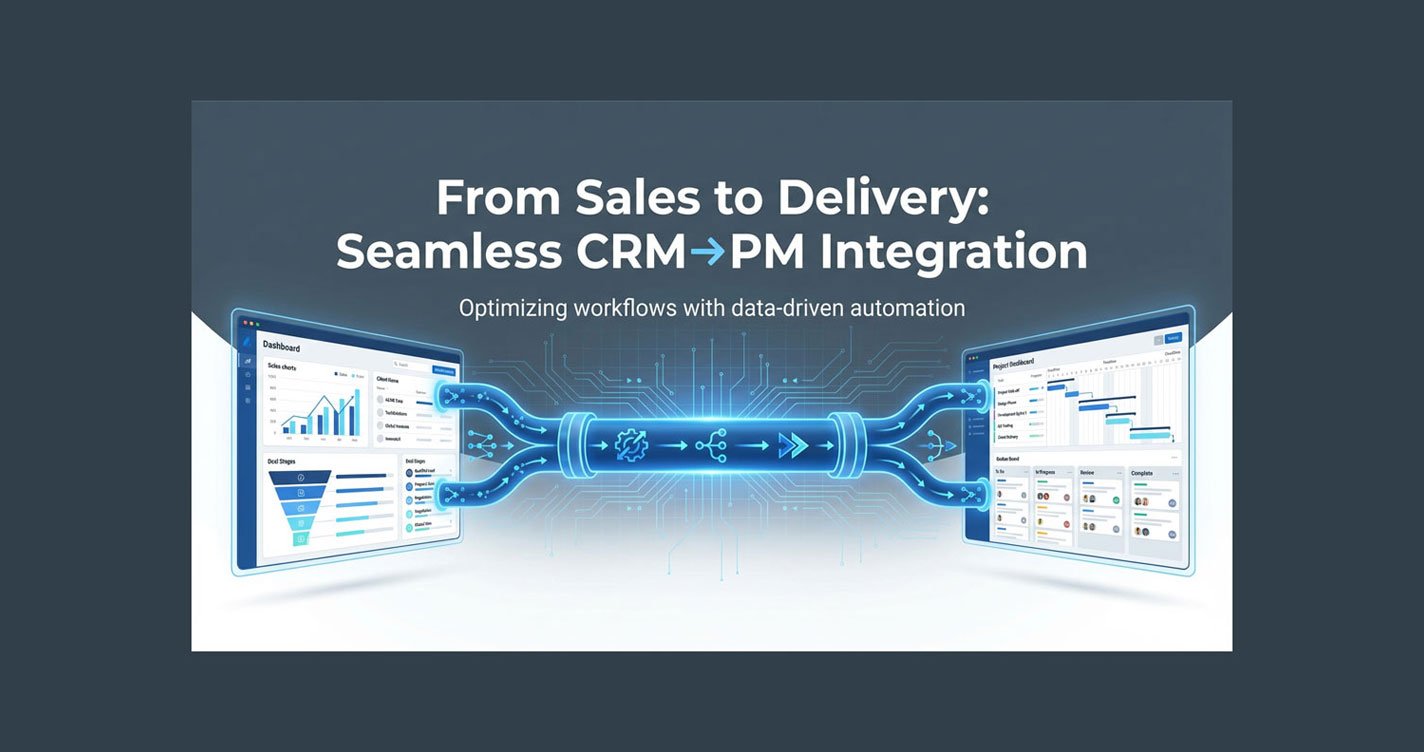
From Sales to Delivery: Seamless CRM→PM Integration
The “Invisible Drop” That Costs Agencies Millions
You celebrate every closed deal. But what happens after the contract is signed? For most agencies, the real trouble starts when the baton passes from sales to delivery. Details vanish, tasks get missed, and clients sense the disconnect. The result? Delayed projects, frustrated teams, and a reputation that quietly erodes.
This “invisible drop”—the gap between sales and delivery—is the silent killer of agency growth. It’s not a flashy problem, but it’s the one that keeps you working late, patching holes, and wondering why your business can’t scale.
But what if your CRM and project management tools could work as one? Imagine a world where every new deal triggers a flawless, automated onboarding—no manual entry, no missed steps, no bottlenecks. In this guide, you’ll learn how to build a seamless CRM→PM integration that transforms chaos into clarity, and handoffs into high-fives.
Table of Contents
- 1. The Real Cost of Broken Handoffs
- 2. Mapping the Sales-to-Delivery Pipeline
- 3. Choosing CRM & PM Tools That Actually Integrate
- 4. Building Your Seamless Automation (Step-by-Step)
- 5. Avoiding the Top 5 Integration Pitfalls
- 6. Automation Recipes for Agencies
- 7. Case Study: How One Agency Cut Handoff Time by 80%
- 8. FAQ: Making CRM→PM Integration Work for You
- 9. Conclusion: Your Next Step to Operational Freedom
1. The Real Cost of Broken Handoffs
Hidden Costs:
– Lost Information: Key client details, project requirements, and deadlines get lost in translation.
– Wasted Time: Teams waste hours chasing down details, duplicating data entry, and fixing preventable mistakes.
– Client Churn: Clients notice when onboarding feels clunky.
– Burnout: Your best people get stuck in the weeds.
Many agencies accept these problems as the cost of doing business. They patch holes with more meetings, more spreadsheets, and more late nights. But this approach kills margins and makes scaling impossible.
By integrating your CRM and project management platforms, you create a seamless pipeline. Every new deal triggers a standardized onboarding process. Tasks, deadlines, and client info flow automatically. Your team focuses on delivery, not data entry. Clients feel the difference—and so do you.
2. Mapping the Sales-to-Delivery Pipeline
Before you automate, you need to see the journey. Start by mapping every step from the moment a deal closes to the kickoff call. Who needs what info? What tasks must happen—every time?
At BLUECREATIVE, we recommend a “handoff checklist” that includes:
– Client contact and company info
– Project scope, deliverables, and deadlines
– Special requirements or integrations
– Assigned team members and roles
– Billing and contract details
This checklist becomes your playbook. When your CRM and PM tools are integrated, every item is captured and transferred—no more “Did we send the welcome kit?” or “Who’s setting up the dashboard?”
Example: Imagine a new client, Acme Corp, signs a contract. The sales rep marks the deal as “won” in GoHighLevel. Instantly, ClickUp creates a new project, assigns the account manager, sets deadlines, and populates all client details. The delivery team gets a notification: “Acme Corp onboarding ready—here’s everything you need.”

3. Choosing CRM & PM Tools That Actually Integrate
Not all tools play nice together. The best CRM→PM integrations happen when your platforms are built for automation. For agencies, we recommend:
CRM: GoHighLevel, HubSpot, Salesforce, Zoho CRM
Project Management: ClickUp, Monday, Asana, Notion
What Makes a Tool “Integration-Ready”?
– Open APIs
– Zapier/Make/n8n Support
– Custom Field Mapping
– Reliable Support
Why ClickUp and GoHighLevel Stand Out
ClickUp’s API and automation features make it a favorite for agencies who want to automate onboarding, task creation, and reporting. GoHighLevel is built for agencies, with robust CRM features and easy integration options.
4. Building Your Seamless Automation (Step-by-Step)
Step 1: Define the Trigger
Decide what event starts the process. Most agencies use “deal won” or “contract signed.”
Step 2: Map the Data
List every field your delivery team needs. Map CRM fields (client name, project type, deadline) to PM tool fields.
Step 3: Build the Workflow
Use Zapier, Make, or n8n to automate the flow:
– Trigger: New deal in GoHighLevel
– Action: Create project in ClickUp
– Action: Assign team, set deadlines, attach client info
– Action: Send welcome email via Gmail or Outlook
– Action: Notify account manager in Slack
Step 4: Test with a Real Client
Run the process end-to-end. Did every detail transfer? Did the right tasks get created? Fix any gaps.
Step 5: Document and Train
Update your SOPs. Train your team. Make the process repeatable.

5. Avoiding the Top 5 Integration Pitfalls
Even the best integrations can fail if you overcomplicate things. Start with the basics—automate the essentials, then layer on complexity. Don’t try to automate every edge case on day one.
Common Mistakes
1. Overengineering
2. Missing Key Data Fields
3. Not Testing with Real Projects
4. Skipping Team Training
5. Ignoring Feedback Loops
How to Fix Them
– Use a checklist for every handoff.
– Test thoroughly with real clients.
– Get buy-in from your team.
– Set up a feedback channel for reporting issues.
6. Automation Recipes for Agencies
You don’t need to code to build powerful automations. Tools like Zapier and Make offer drag-and-drop workflows. For advanced needs, n8n or custom scripts can fill the gaps.
Sample Recipes
– GoHighLevel → ClickUp: When a deal is won, create a new ClickUp project, assign the account manager, and set the kickoff call.
– HubSpot → Asana: When a new client is added, auto-create onboarding tasks and send a welcome email.
– Zoho CRM → Notion: Sync client notes between CRM and Notion for a unified view.
When to Use Custom Code
If your process is highly unique, or you need two-way sync, consider a custom API integration. But for most agencies, no-code tools are enough.
7. Case Study: How One Agency Cut Handoff Time by 80%
A mid-sized agency came to us with a familiar problem: every new client meant a scramble to collect info, set up projects, and assign tasks. The result? Onboarding took days, and clients felt the friction.
Before Integration
– Sales closed the deal in GoHighLevel.
– Account managers waited for an email summary.
– Delivery team started projects with missing info.
– Clients received onboarding emails days late.
After Integration
– GoHighLevel “deal won” triggers ClickUp project creation.
– Onboarding checklist auto-populated with client details.
– Account manager and delivery team notified instantly.
– Clients receive a welcome email within minutes.
Results:
– Handoff time dropped from 2 days to 3 hours.
– Client satisfaction scores rose by 22%.
– Team reclaimed 8+ hours per week.
– Revenue grew by 15% in six months.

8. FAQ: Making CRM→PM Integration Work for You
Do I need a developer?
Not for most setups. Zapier, Make, and n8n handle 90% of use cases.
What if my tools don’t have a native integration?
Use Zapier, Make, or n8n. For rare cases, custom scripts can bridge the gap.
How do I keep data secure?
Use reputable tools, limit access, and document your process.
What’s the biggest mistake agencies make?
Overcomplicating the process. Start simple, automate the basics, and iterate.
How fast will I see results?
Most agencies see measurable improvements within 30 days.
Can I automate client communication too?
Absolutely. Use your CRM or PM tool to trigger automated emails, reminders, and status updates.
What about reporting and analytics?
Integrate your PM tool with reporting platforms (Looker Studio, Power BI) for real-time dashboards.
9. Conclusion: Your Next Step to Operational Freedom
You don’t have to live in chaos. By integrating your CRM and project management tools, you create a seamless pipeline from sales to delivery. No more missed steps, no more manual data entry, no more bottlenecks.
Key Takeaways:
– Map your sales-to-delivery process before building
– Choose tools with strong integration support
– Start simple, automate the basics, and iterate
– Train your team and document your process
– Measure results and keep improving