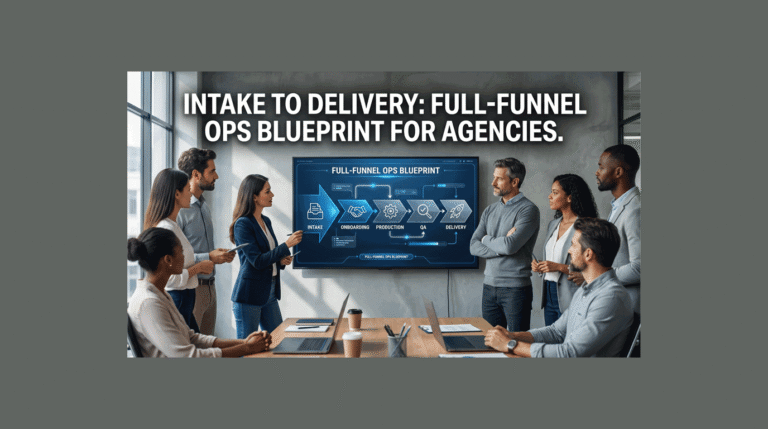
Client Portals That Clients Actually Use
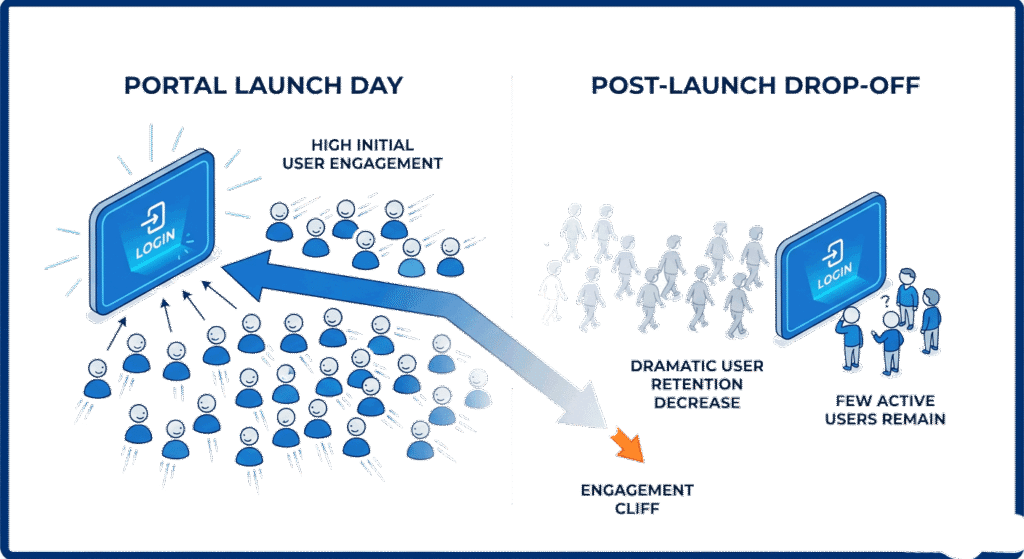
You’ve seen the pitch: “Build a client portal and your agency will finally escape email chaos, deliver a premium experience, and scale without bottlenecks.” So you invest in a shiny new portal—maybe ClickUp, GHL, or a custom build. You launch with fanfare, send out onboarding emails, and… crickets. Weeks later, you check the analytics: barely any logins, clients still emailing for updates, and your team quietly reverts to old habits.
If this sounds familiar, you’re not alone. The dirty secret in the agency world is that most client portals fail—not because the tech is bad, but because they’re built for the agency, not the client. The result? Wasted investment, frustrated teams, and clients who feel just as lost as before.
But it doesn’t have to be this way. At BLUECREATIVE, we’ve helped dozens of agencies turn their portals from digital graveyards into the beating heart of their client experience. The difference isn’t more features or fancier dashboards—it’s a relentless focus on what clients actually want, delivered with ruthless simplicity and a dash of automation magic.
In this guide, you’ll learn:
• Why most portals flop (and how to avoid their fate)
• The psychology behind client adoption (and what really drives usage)
• A step-by-step blueprint for building a portal clients love
• The best tools and platforms for 2025 (with real-world pros and cons)
• Case studies from agencies who cracked the code
• Answers to the most common questions about client portals
Let’s make your portal the most valuable tool your clients use all year.
Table of Contents
- Why Most Client Portals Fail (and How to Avoid It)
- The Psychology of Portal Adoption: What Clients Really Want
- Blueprint: Building a Portal Clients Will Use Every Week
- Tools & Platforms: What Works in 2025
- Real-World Results: Agencies Who Got It Right
- Frequently Asked Questions
- Conclusion & Next Steps
1. Why Most Client Portals Fail (and How to Avoid It)
The Agency-First Trap
Most agencies build portals to solve their own pain: too many emails, scattered files, missed deadlines. So they cram in every feature—file sharing, chat, dashboards, forms—hoping more is better. But clients log in, get overwhelmed, and never come back.
Complexity Kills Adoption
Here’s the hard truth: if your portal takes more than 30 seconds to figure out, you’ve already lost most clients. They’re busy, distracted, and have zero patience for learning another tool. Every extra click, every confusing menu, every “where do I find X?” moment is a reason to bail.
The “Set It and Forget It” Mistake
Agencies often launch a portal, send one onboarding email, and hope for the best. No reminders, no training, no feedback loop. The portal fades into obscurity, and the team quietly returns to email and spreadsheets.
How to Avoid It:
• Build for the client’s workflow, not yours.
• Ruthlessly simplify—less is more.
• Treat portal adoption as an ongoing process, not a one-time event.
2. The Psychology of Portal Adoption: What Clients Really Want
Clients Crave Clarity, Not Features
Clients don’t care about your tech stack. They care about outcomes—faster answers, fewer emails, and knowing exactly where things stand. The best portals do one thing: make the client’s life easier.
What clients want:
• Clear project status (no more “where are we at?” emails)
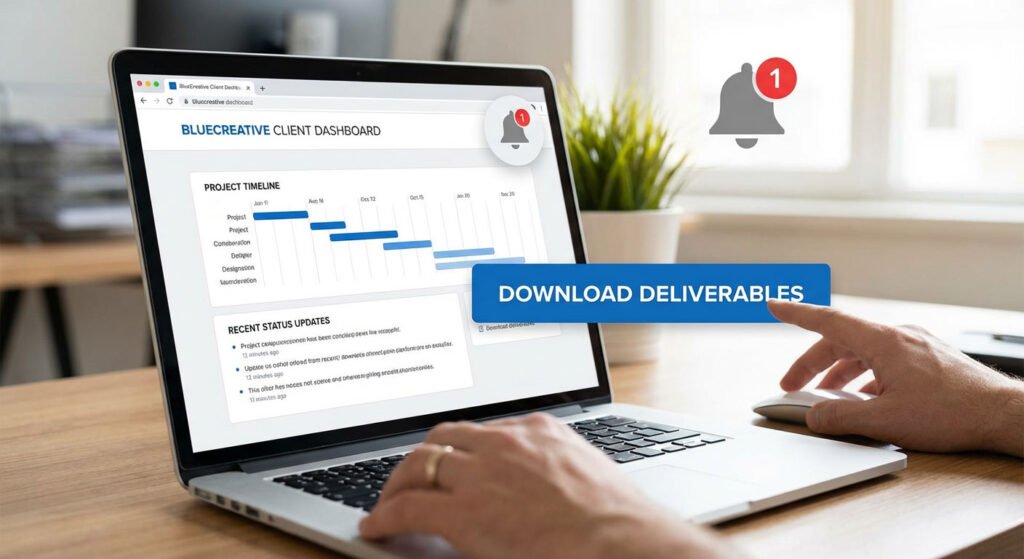
• Easy access to deliverables (no hunting through inboxes)
• Fast, direct communication (not buried in threads)
Trust Is Built Through Transparency and Responsiveness
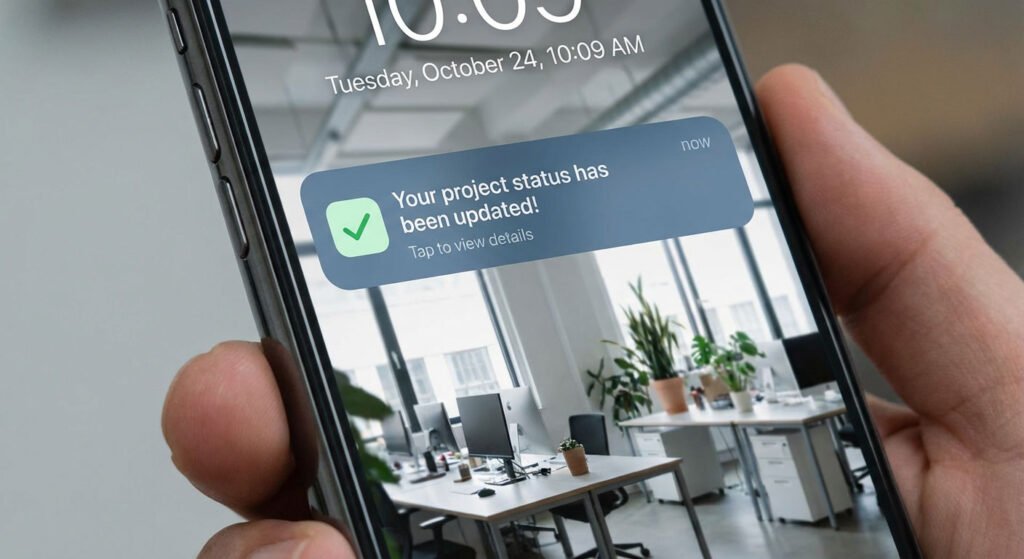
A portal that updates in real time, sends proactive notifications, and makes it easy to ask questions? That’s gold. Clients want to see progress without having to ask. When they do have a question, they want a fast, clear answer.
The “One-Stop Shop” Myth
Trying to replace every tool (email, chat, file sharing, invoicing) usually backfires. Focus on the 2-3 things clients do most, and do them flawlessly.
3. Blueprint: Building a Portal Clients Will Use Every Week
Step 1: Interview Your Clients
Ask them:
• What’s the most frustrating part of working with us?
• What do you wish you could see at a glance?
• What’s one thing you’d automate if you could?
Step 2: Map the Client Journey
From onboarding to delivery to feedback, list every client touchpoint. Where do things get stuck? Where do clients get confused? Map these pain points to portal features.
Step 3: Minimum Lovable Product
Don’t build everything at once. Start with the 2-3 features clients want most—usually project status, file delivery, and a way to ask questions. Launch fast, then iterate.
Step 4: Automate Updates
Set up automated reminders for new uploads, status changes, and deadlines. Use tools like ClickUp, GHL, or Zapier to trigger notifications. The goal: clients get what they need before they even ask.
Step 5: Train and Remind
Don’t assume clients will figure it out. Record a 2-minute walkthrough video. Send reminders. Celebrate when clients use the portal (“Congrats! You just saved 10 emails!”).
Step 6: Feedback Loop
After a month, ask clients: What’s working? What’s confusing? What would make you use this more? Use their feedback to refine the portal.

4. Tools & Platforms: What Works in 2025
ClickUp: The Agency Favorite
Pros: Customizable dashboards, guest access, real-time updates, integrates with everything.
Cons: Can get complex if you overbuild. Stick to the essentials.
Go High Level (GHL): CRM + Portal in One
Pros: Combines CRM, automation, and client portal in one. Great for agencies running marketing + delivery.
Cons: Steeper learning curve for clients.
Zapier, Make, n8n: Automate Everything
Use these to automate status updates, file uploads, and reminders across platforms. For example, when a task is marked “complete” in ClickUp, Zapier can automatically notify the client via email or SMS.
Other Notables
Notion (for knowledge bases), Jotform/Typeform (for intake), Slack/Teams (for chat), WordPress (for content delivery).
5. Real-World Results: Agencies Who Got It Right
Case Study:
- Before: 200+ client emails per week, missed deadlines, frustrated clients.
- After: Launched a ClickUp-based portal with real-time status, file uploads, and automated reminders. 300% increase in client logins, 80% reduction in “where’s my project?” emails, 2x faster project delivery, and clients started referring new business—because they loved the experience.
Lessons Learned:
• Don’t try to replace every tool—focus on what clients use most.
• Get client feedback early and often.
• Celebrate wins (“You just saved 10 emails!”).
Another Example: Boutique Marketing Agency
They started with a Notion portal for onboarding and deliverables, then added ClickUp for project tracking. By focusing on just two features—project status and deliverable downloads—they saw client engagement jump by 250% in three months.
Want results like this?
6. Frequently Asked Questions
What’s the #1 reason client portals fail?
Overcomplication. If it’s not dead simple, clients won’t use it.
How do I get clients to actually log in?
Make the portal the only place to get key updates/files. Send reminders. Show the value.
What’s the best platform for agencies?
ClickUp is our top pick for flexibility and client experience. GHL is great for all-in-one needs.
How much does it cost to build a portal?
With templates, you can launch for under $500. Custom builds can run $2,000–$10,000+.
What if my clients aren’t tech-savvy?
Record a simple walkthrough video. Offer support. Start small.
Can I automate client onboarding through the portal?
Absolutely. Use ClickUp, GHL, or Zapier to automate onboarding steps and notifications.
How do I measure portal success?
Track logins, file downloads, and a reduction in support emails. Ask clients for feedback.
7. Conclusion & Next Steps
Key Takeaways
• Build for the client, not the agency.
• Simplicity and clarity drive adoption.
• Automate updates and celebrate usage.
• Use proven platforms—don’t over-customize.
• Feedback and iteration are key.
You don’t need another digital ghost town. With the right approach, your client portal can become the heartbeat of your agency’s client experience—saving time, building trust, and driving growth.
Ready to build a client portal your clients will actually use?