Agency Automation: 7 Processes Costing You $100K+ (2026 Guide)
Most agencies are losing $100K+ a year to manual processes. If you’re an agency owner, you’re probably trapped in busywork, approvals, and chaos. Every year, agencies and professional services firms bleed over $100,000 in wasted time, errors, and missed opportunities—all because of outdated, manual workflows.
Agency automation isn’t a buzzword. It’s the difference between scaling with confidence and drowning in chaos. In this guide, we’ll break down the 7 most expensive processes draining your profits, show you exactly how to automate them, and give you the frameworks to reclaim 15–20 hours a week—permanently.
Ready to stop being the bottleneck? Let’s dive in.
Table of Contents
- Why Agency Automation is No Longer Optional
- The 7 Most Costly Manual Processes (and How to Automate Them)
- Step-by-Step: How to Implement Agency Automation
- Common Mistakes to Avoid
- Best Tools for Agency Automation
- Real Results: Agency Automation in Action
- Frequently Asked Questions About Agency Automation
- Conclusion & Next Steps
Why Agency Automation is No Longer Optional
Manual work is the silent killer of agency profits. Every approval you have to give, every spreadsheet you update, every status email you send—it all adds up. The average agency loses over $100,000 a year to inefficiency, according to industry benchmarks. In a world where clients expect instant results and your competitors are automating at warp speed, sticking with manual processes isn’t just risky—it’s unsustainable.
Owner bottleneck is the #1 reason agencies can’t scale. When everything depends on you, growth stalls and burnout sets in. Automation isn’t about replacing people—it’s about freeing your team to focus on high-value work, delivering better client results, and giving you the freedom you built your agency for in the first place.

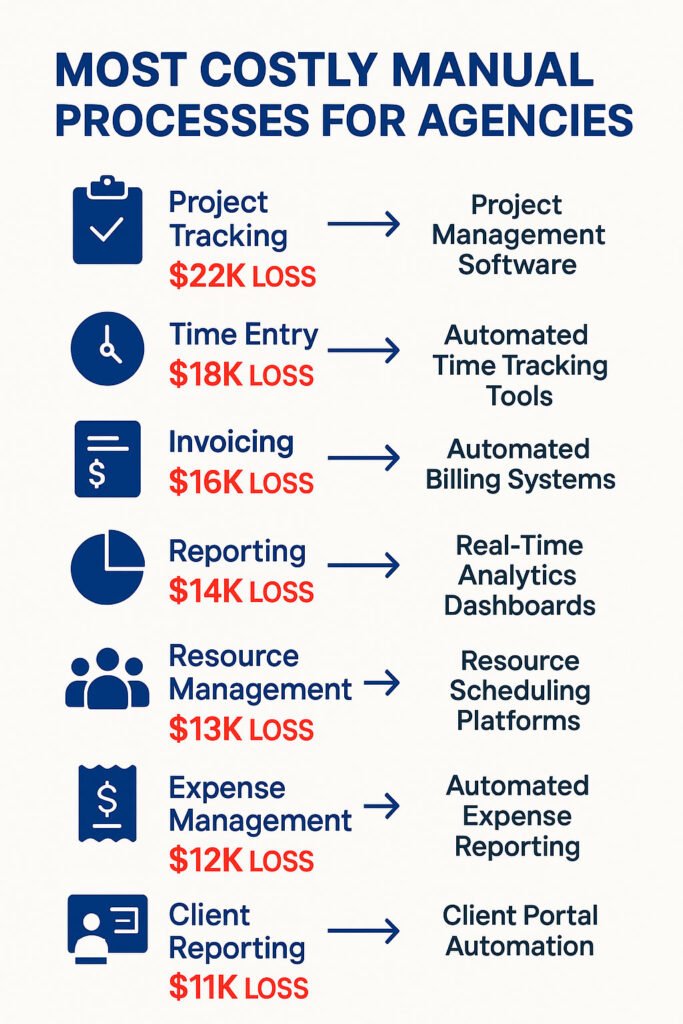
The 7 Most Costly Manual Processes (and How to Automate Them)
Let’s break down the seven biggest time and money drains in most agencies—and how to fix them with automation:
-
Client Onboarding
Problem: Endless back-and-forth emails, manual data entry, missed steps.
Automation Solution: Use ClickUp or GHL forms to collect info, trigger automated welcome sequences, and assign tasks. Integrate with Zapier or n8n for instant CRM updates.
Scenario: A consulting agency cut onboarding time from 8 hours to 1 hour per client using ClickUp automations and Zapier integrations.
ClickUp Services, Apply for a Personalized Training Session -
Status Reporting
Problem: Weekly status updates take hours to compile and send.
Automation Solution: Build automated dashboards in ClickUp or Notion. Use Zapier to send scheduled reports to clients.
Scenario: A marketing agency automated client reporting, saving 6 hours per week and improving client satisfaction.
Blog, Digital Transformation Services -
Project Kickoff
Problem: Manual task creation, unclear responsibilities, missed deadlines.
Automation Solution: Use project templates in ClickUp or Monday.com. Automate task assignments and notifications.
Scenario: A creative agency reduced kickoff chaos by 80% with standardized templates and automated task flows.
ClickUp Services, Digital Transformation Services -
Lead Qualification
Problem: Sales team wastes time on unqualified leads.
Automation Solution: Integrate website forms with GHL or HubSpot. Use automated scoring and routing with Zapier or Make.
Scenario: A SaaS agency doubled conversion rates by automating lead scoring and follow-up.
30 Day Sprint, 90 Day Sprint -
Capacity Planning
Problem: Guesswork leads to overwork or underutilization.
Automation Solution: Real-time dashboards in ClickUp or Smartsheet. Automated alerts for over/under capacity.
Scenario: A design agency improved profitability by 15% with automated capacity tracking.
Unlock Your $100K Efficiency Gap, Contact -
Profitability Tracking
Problem: Siloed data, manual calculations, missed insights.
Automation Solution: Integrate time tracking (Harvest, ClickUp) with financial dashboards (Looker Studio, Power BI).
Scenario: A consulting firm identified $50K in hidden costs by automating profitability analysis.
Digital Transformation Services, Blog -
Client Communication
Problem: Important updates lost in email threads, slow response times.
Automation Solution: Centralize communication in Slack or ClickUp. Use automated reminders and follow-ups.
Scenario: A digital agency improved client retention by 20% with automated communication workflows.
Contact
Step-by-Step: How to Implement Agency Automation
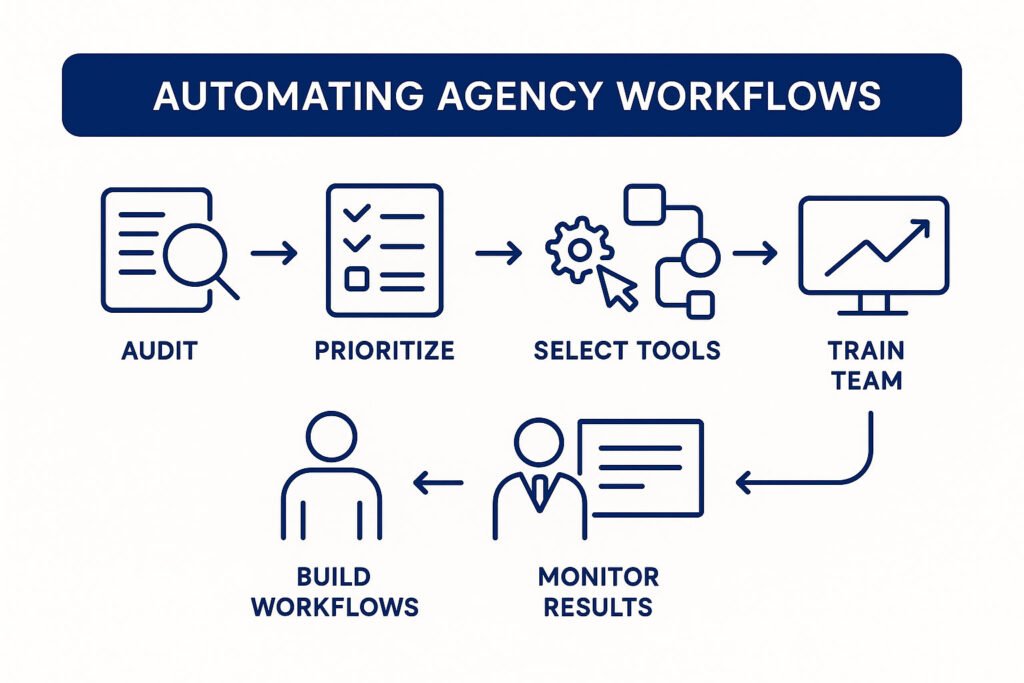
- Audit Your Processes: List every recurring task and estimate time spent.
- Prioritize for Impact: Identify the biggest time/cost drains.
- Select the Right Tools: Choose platforms like ClickUp, Zapier, n8n, GHL, HubSpot.
- Build Automated Workflows: Map out triggers, actions, and outcomes. Test thoroughly.
- Train Your Team: Document new processes, run live demos, gather feedback.
- Monitor & Optimize: Track results, adjust automations, and celebrate wins.
Common Mistakes to Avoid
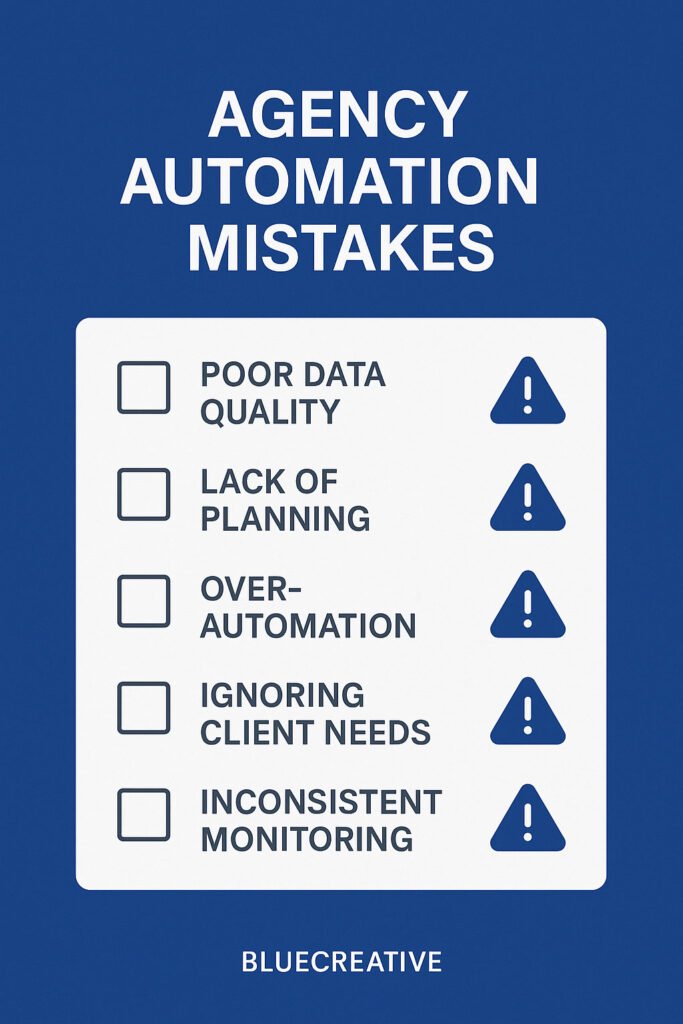
- Overcomplicating Automation: Start simple. Automate one process at a time.
- Not Training the Team: Involve your team early. Provide clear documentation and support.
- Ignoring Data: Measure results and adjust. Don’t “set and forget.”
Best Tools for Agency Automation
ClickUp
All-in-one project management, automation, dashboards. Best for agencies needing a single source of truth.
Zapier
Connects 5,000+ apps for workflow automation. No-code, easy to use, huge template library.
n8n
Open-source automation, self-hosted, advanced logic. Great for custom integrations and privacy.
GHL (Go High Level)
CRM, marketing automation, forms, pipelines. Ideal for agencies managing client campaigns.
HubSpot
CRM, sales, and marketing automation. Robust reporting, scalable for growing agencies.
Real Results: Agency Automation in Action
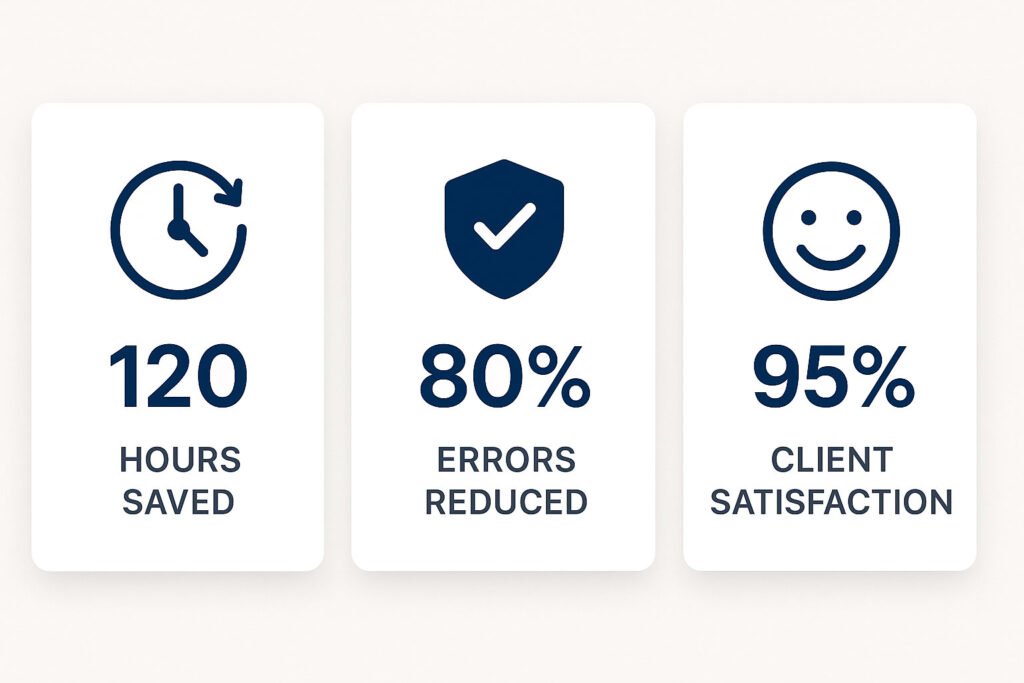
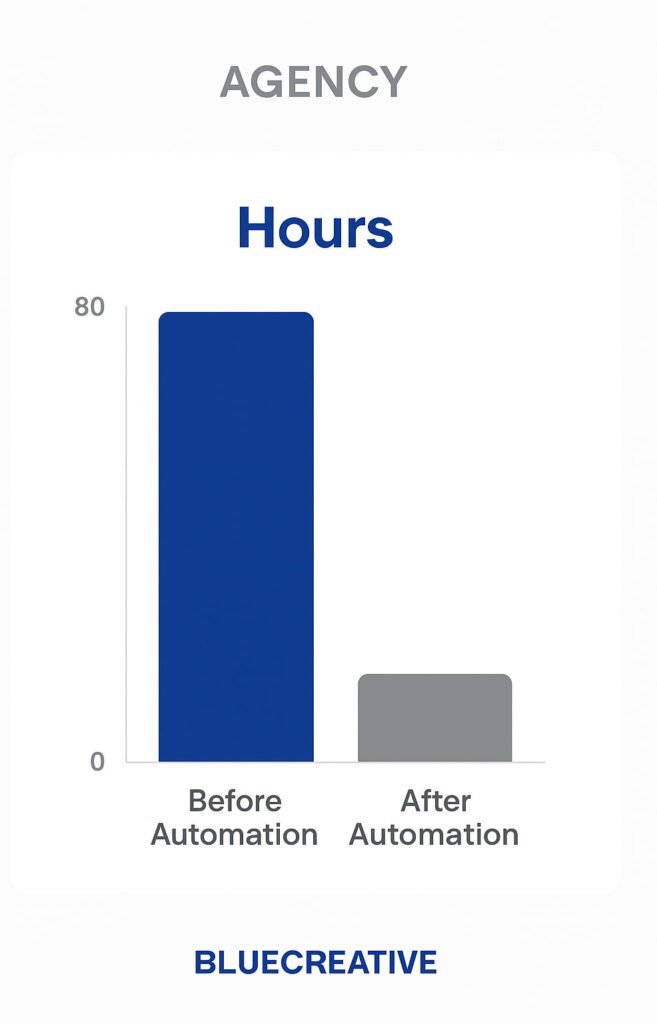
Case Study: A real estate agency was spending 20+ hours a week on manual onboarding, reporting, and client updates. After implementing ClickUp automations and Zapier integrations, onboarding time dropped to 2 hours, reporting was fully automated, and the owner reclaimed 15 hours per week. Team morale soared, and client satisfaction hit an all-time high.
“We thought automation was just for big companies. Now, I can finally take a vacation without worrying the business will grind to a halt.”
Frequently Asked Questions About Agency Automation
How long does it take to automate agency processes?
Most agencies see results in 30–90 days, depending on complexity and team size.
What tools do I need?
Start with ClickUp for project management, Zapier or n8n for integrations, and a CRM like GHL or HubSpot.
Will my team resist automation?
Involve your team early, show the benefits, and provide training. Adoption rates are 95%+ when done right.
Is automation expensive?
Most tools are affordable, and the ROI is rapid—most agencies recoup costs within 2–3 months.
Can automation replace my project manager?
No, but it frees them to focus on strategy, client relationships, and growth—not busywork.
What if I have unique processes?
Custom automations can be built for any workflow. Start with the biggest pain points and expand from there.
Conclusion & Next Steps
- Manual processes are costing your agency $100K+ every year.
- Automation is the fastest path to reclaiming your time, boosting profits, and scaling with freedom.
- Start with the biggest pain points, use proven tools, and get expert help if needed.
Ready to stop the leaks and build an agency that runs without you? Take the first step now.